Wiring Environment‑Aware Mobile Builds with Expo, EAS, and GitHub Actions
This post shows how I turned a stock Expo app into an environment‑aware mobile project by wiring APP_ENV through EAS build profiles, app.config.ts, a runtime apiClient, and GitHub Actions for linting and manual builds.

Wiring Environment-Aware Mobile Builds with Expo, EAS, and GitHub Actions
For a recent mobile DevOps exercise, I took a vanilla Expo app and turned it into an environment‑aware mobile project with distinct development, staging, and production configurations. The goal was to make it trivial to run and validate different environments locally, while laying the groundwork for EAS‑driven builds and CI workflows that a startup could grow into.
Defining a clear environment model
I started by defining a simple but explicit environment model based on an APP_ENV variable:
- Supported values: development, staging, production
- A single source of truth: APP_ENV is set either by local npm scripts or by EAS build profiles
- The app never reads process env directly in components; it consumes a normalized appEnv passed through the Expo config
In app.config.ts, I introduced a typed AppEnv union and derived configuration from it:
App names
- expo Mobile App(prod)
- Staging expo Mobile App(Staging)
- Development expo Mobile App(Development)
API base URLs
- Prod: https://api.example.com
- Staging: https://api-staging.example.test
- Dev: https://api-dev.example.test
- iOS bundle identifiers / Android package names:Dev: com.yourcompany.expoapp.devStaging: com.yourcompany.expoapp.stagingProd: com.yourcompany.expoapp
All of this is exported through extra.appEnv and extra.apiBaseUrl, so the runtime does not need to know how the environment was selected—it just sees a consistent config object.
Wiring EAS build profiles to environments
Next, I aligned the EAS side with the same APP_ENV model via eas.json:
- production profileAPP_ENV=production
- channel=productionStore distribution
- staging profileAPP_ENV=staging
- channel=stagingInternal distribution for testers
- development profileAPP_ENV=development
- channel=developmentdevelopmentClient: true for future dev‑client builds
This makes the data flow explicit:
EAS profile → sets APP_ENV → app.config.ts derives config → extra → apiClient → UI.
The result is that any build triggered with eas build --profile staging will boot as a staging app: staging bundle ID, staging API URL, and a clear environment indicator in the UI.
Exposing environment at runtime with apiClient
To make environment validation obvious, I added a small apiClient module that reads the Expo config at runtime:
- Reads Constants.expoConfig.extra (with manifest fallbacks)
- Exposes:appEnv: "development" | "staging" | "production"apiBaseUrl: string
- Logs the final values on startup
- The home screen renders a “Current environment” row, showing the env and base URL
That gives a quick, visual sanity check for any build or local run. If the app says “Staging” and points to the staging URL, the configuration pipeline is working.
Local development scripts for switching environments
To make environment switching ergonomic, I added scripts to package.json using cross-env:
"scripts": {
  "start": "expo start",
  "dev:dev": "cross-env APP_ENV=development expo start",
  "dev:staging": "cross-env APP_ENV=staging expo start",
  "dev:production": "cross-env APP_ENV=production expo start",
  "android": "expo start --android",
  "ios": "expo start --ios",
  "web": "expo start --web",
  "lint": "expo lint"
}
This makes the developer experience very simple:
- npm run dev:production → production env
- npm run dev:staging → staging env
- npm run dev:dev → dev env
For now, everything runs in Expo Go on the iOS simulator/Android emulator, which avoids Apple account complexity while still exercising the environment wiring end‑to‑end.
GitHub Actions workflows for linting and on-demand builds
Finally, I added two GitHub Actions workflows under .github/workflows:
mobile-lint.yml
- Runs on:Manual trigger (workflow_dispatch)Pushes to mainPull requests targeting main
- Steps:Checkout repoactions/setup-node with npm cachenpm cinpm run lint
- Purpose: fast CI feedback on lint and basic TypeScript rules for the mobile app.
mobile-eas-build.yml
- Manual only (workflow_dispatch with inputs)
- Inputs:platform: all / ios / androidprofile: development / staging / production
- Steps:Checkout repoSet up NodeSet up Expo/EAS using an EXPO_TOKEN secretnpm cieas build with the chosen profile and platform (--non-interactive --no-wait)
- Purpose: a safe, on‑demand way to trigger environment‑specific EAS builds from GitHub without tying them to any particular branch strategy yet.
Outcome
Together, these changes turn a stock Expo starter into a small, environment‑aware mobile platform that is:
- Easy to run locally against dev, staging, or prod with a single command
- Explicit about which environment each EAS build targets
- Ready for staged rollouts and, later, OTA updates via EAS Update
This is the kind of setup that helps a team ship mobile features confidently across environments without guessing which build is talking to which backend.
Adjacent essays

SourceVault.ai
Debugging a Broken Python Virtual env: From “It Worked Yesterday” to Clean Recovery
Recently one of my Python projects went from “works fine” to “completely broken”.
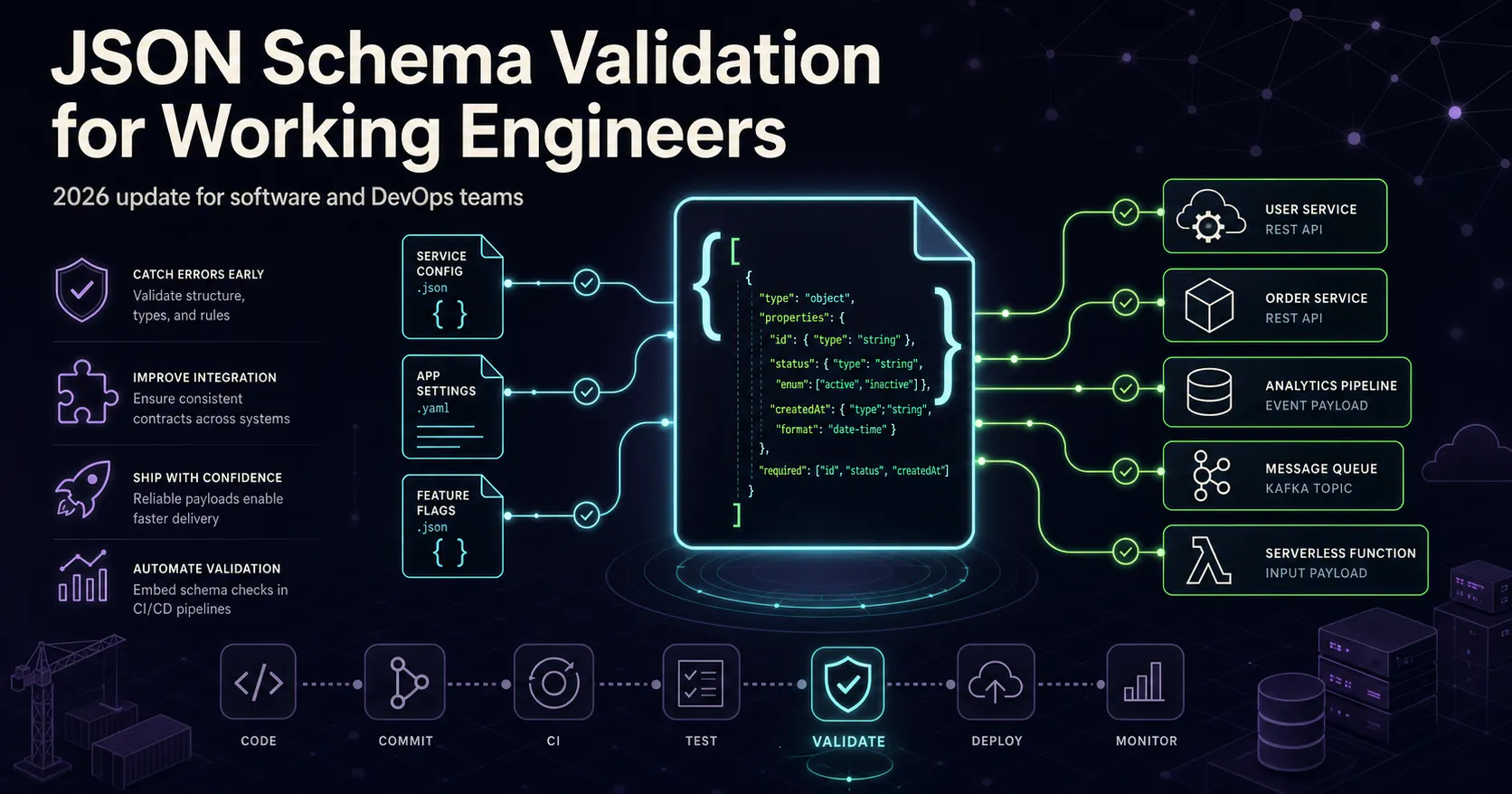
JSON Schema Validation for Working Engineers (2026 Update)
JSON Schema enables the confident and reliable use of the JSON data format.