JSON Schema Validation for Working Engineers (2026 Update)
JSON Schema enables the confident and reliable use of the JSON data format.
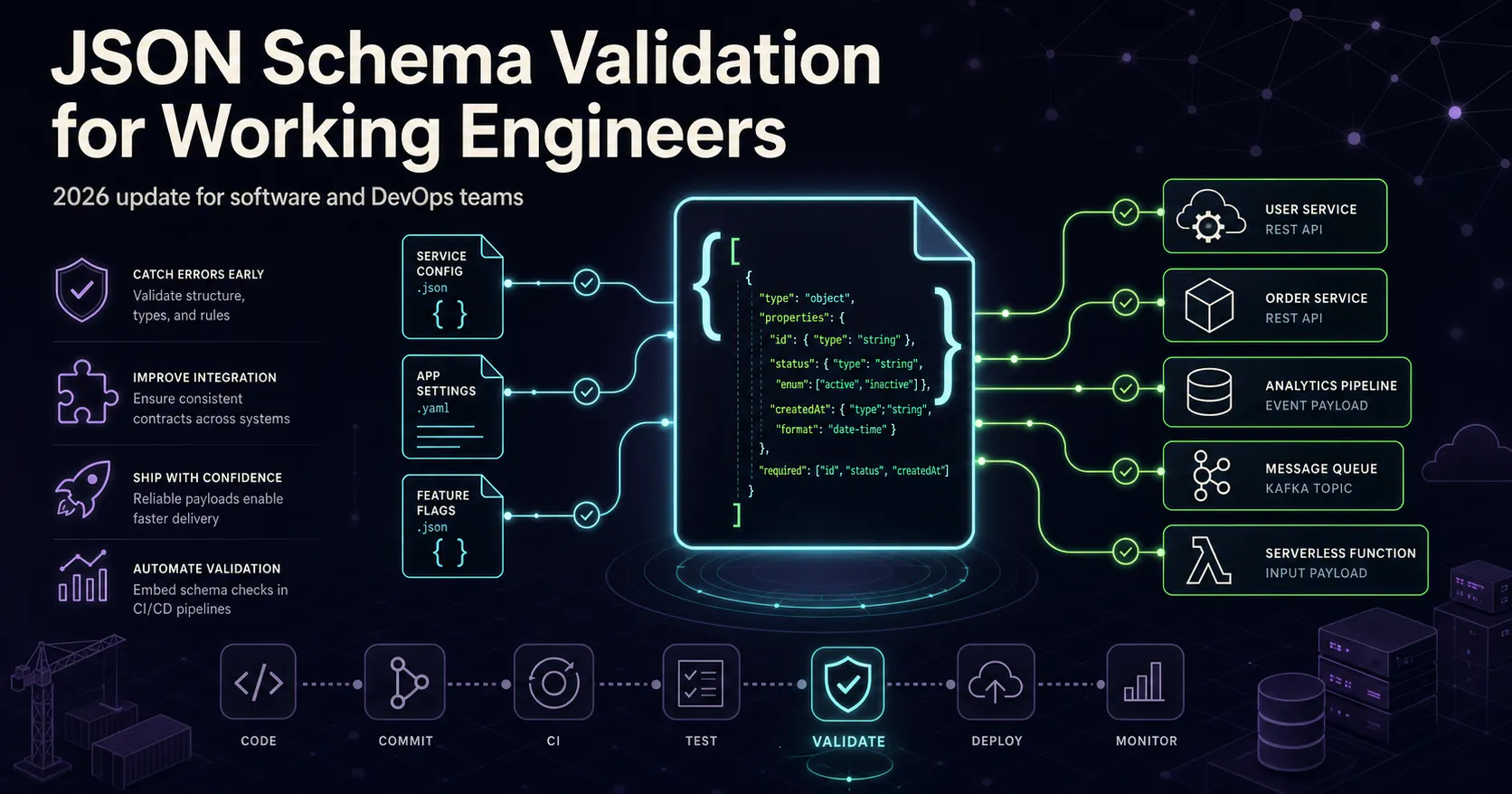
This article is a newer iteration of a JSON Schema post originally written in 2022, updated for current JSON Schema drafts and modern tooling, and aimed at software engineers and DevOps engineers.
JSON Schema is a specification for describing and validating the structure of JSON documents. It lets teams define constraints such as types, required fields, formats, and nested object rules so JSON can be validated before it reaches application logic.
For modern engineering workflows, JSON Schema is useful for validating API payloads, enforcing configuration structure, and reducing contract drift between systems.
JSON Schema in 2026
JSON Schema is published in versioned drafts, and Draft 2020-12 is the latest stable draft published by the project. Each draft provides a corresponding meta-schema URL that can be referenced through the $schema keyword at the top of a schema file.
For current projects, a good default is the 2020-12 meta-schema:
{
  "$schema": "https://json-schema.org/draft/2020-12/schema",
  "$id": "https://example.com/constraints.json",
  "title": "Client data constraints",
  "type": "object"
}
A few practical details matter here:
- Meta-schema URLs should use https:// for new work.
- The old http://json-schema.org/schema pattern was common in older examples, but it is not the best choice for new articles or production schemas.
- Many popular validators support Draft 2020-12, including Ajv.
Using JSON Schema in VS Code
VS Code includes built-in support for editing JSON, including validation, IntelliSense, and schema-driven auto-completion. That means developers can get immediate feedback while editing JSON files without adding a separate extension for common schema validation scenarios.
There are two common ways to associate a JSON file with a schema.
Add $schema to the JSON file
For local testing or simple internal files, the fastest path is to put a $schema reference directly into the JSON instance:
{
  "$schema": "./constraints.json",
  "name": "Jane Doe",
  "address": {
    "street": "555 Main St",
    "city": "Allentown"
  }
}
When configured this way, VS Code can resolve the referenced schema file and validate the document as it is edited. It can also offer schema-based completion for known properties and expected value types.
Map files in workspace settings
If the JSON payload should remain free of schema metadata, VS Code also supports schema associations in workspace settings:
// .vscode/settings.json
{
  "json.schemas": [
    {
      "fileMatch": ["data.json"],
      "url": "./constraints.json"
    }
  ]
}
This approach keeps the JSON instance clean while still enabling validation and editor assistance inside the repository. It is often a better fit for shared codebases, config repositories, and teams that want consistent editor behavior.
A Simple Example
The schema below defines a customer record with a required name field and a required address object.
constraints.json:
{
  "$schema": "https://json-schema.org/draft/2020-12/schema",
  "$id": "https://example.com/constraints.json",
  "title": "Customer record",
  "type": "object",
  "properties": {
    "name": {
      "type": "string"
    },
    "address": {
      "type": "object",
      "properties": {
        "street": { "type": "string" },
        "city": { "type": "string" }
      },
      "required": ["street", "city"],
      "additionalProperties": false
    }
  },
  "required": ["name", "address"],
  "additionalProperties": false
}
data.json:
{
  "$schema": "./constraints.json",
  "name": "Jane Doe",
  "address": {
    "street": 555,
    "city": "Allentown"
  }
}
In this example, street is invalid because the schema declares it as a string while the instance provides an integer value. VS Code surfaces that mismatch immediately, which makes schema validation useful even before any runtime validator is introduced.
Why It Matters in Engineering Workflows
For software engineers and DevOps engineers, JSON Schema works well as a lightweight contract layer between tools, services, and teams. It is especially practical for API validation, CI configuration checks, internal platform tooling, and machine-readable documentation.
As an introduction, this is enough to get started: define a schema, associate it with JSON, and let the editor catch structural mistakes early. A deeper follow-up can build on this foundation with runtime validation in Node.js services and schema checks in CI pipelines.
Adjacent essays
SourceVault.ai
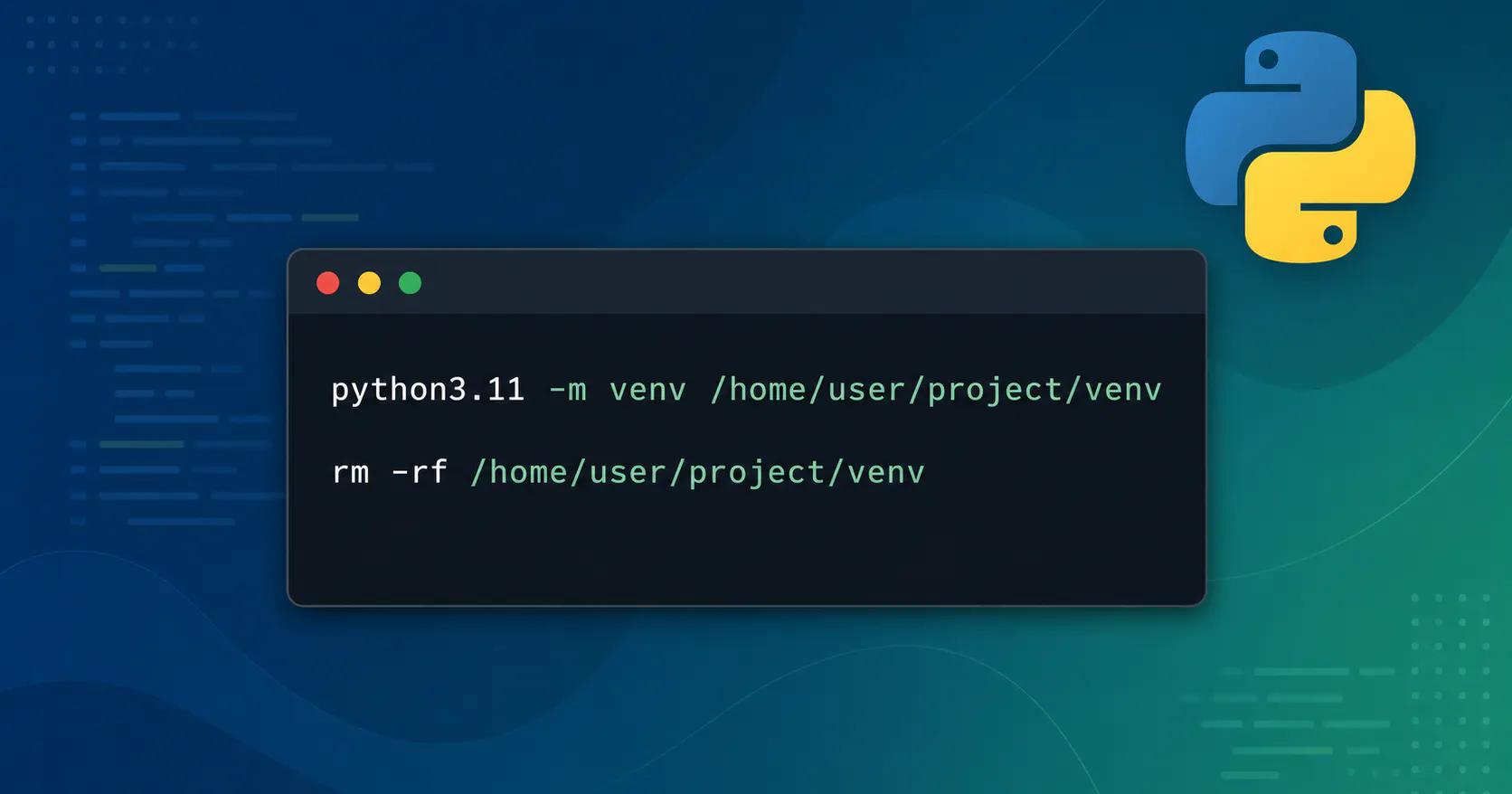
Debugging a Broken Python Virtual env: From “It Worked Yesterday” to Clean Recovery
Recently one of my Python projects went from “works fine” to “completely broken”.

Wiring Environment‑Aware Mobile Builds with Expo, EAS, and GitHub Actions
This post shows how I turned a stock Expo app into an environment‑aware mobile project by wiring APP_ENV through EAS build profiles, app.config.ts, a runtime apiClient, and GitHub Actions for linting and manual builds.