What is Kubernetes?
Explore how Kubernetes orchestrates containers through intelligent scheduling, self-healing, and automated scaling across distributed infrastructure.
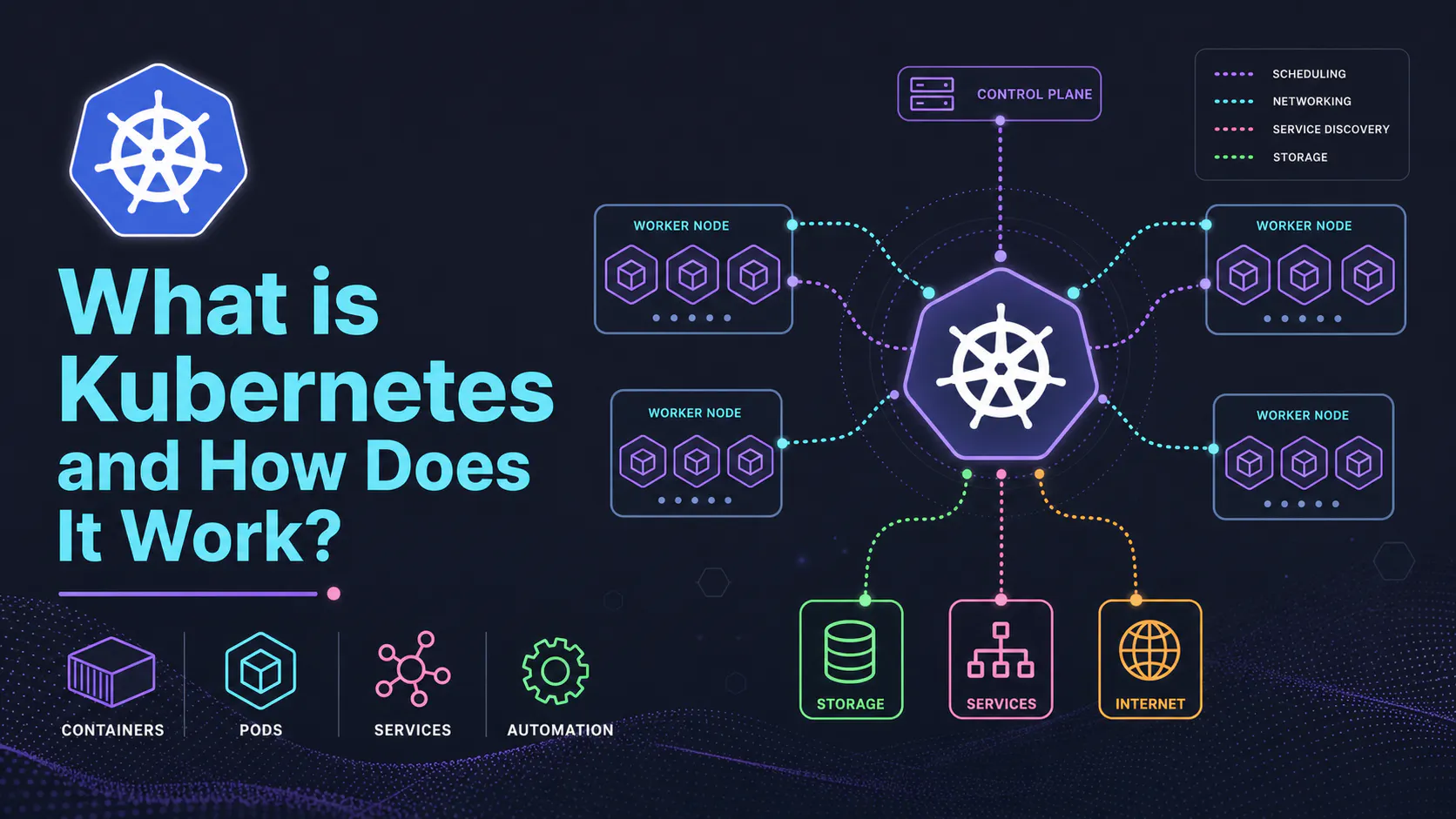
What Is Kubernetes and How Does It Work?
Kubernetes (often called K8s) is a platform that helps you run and manage containerized applications. Instead of manually starting, stopping, and scaling containers, Kubernetes automates all of that for you.
Think of it like an operating system for your infrastructure—it decides where your applications run and keeps them running.
The Control Plane (Cluster Brain)
The control plane is the brain of the Kubernetes cluster. It manages everything and makes sure the system stays in the desired state.
It includes these core components:
- API Server: The main entry point. All commands and communication go through here.
- Controller Manager: Watches the cluster and fixes things when they go wrong (like restarting failed workloads).
- Scheduler: Decides which node should run each workload based on available resources.
- etcd: A database that stores the cluster’s state and configuration.
Important correction: the control plane components are not “just containers” in all environments—they are often run as static pods or system services depending on how the cluster is set up.
Nodes (Where Your Apps Run)
Nodes are the machines (virtual or physical) where your applications actually run.
Each node typically includes:
- A container runtime (like containerd)
- A kubelet (which communicates with the control plane)
- A network component (like kube-proxy or CNI plugins)
Compared to the control plane, nodes usually handle more resource-heavy workloads.
Also important: modern Kubernetes avoids the term “master node”—the correct term is control plane.
Networking (How Everything Connects)
Kubernetes uses a cluster network (not usually called a “virtual network” in official terms) to connect all components.
Key idea:
- Every pod can communicate with every other pod by default (flat network model).
- This is implemented via CNI (Container Network Interface) plugins.
Core Concepts
Pods (Smallest Unit)
A pod is the smallest unit you deploy in Kubernetes.
- It usually contains one container.
- Sometimes it contains multiple tightly coupled containers (like a sidecar).
- Pods are ephemeral—they can be created, destroyed, and replaced at any time.
Important correction: Pods are not just an “abstraction over Docker.” Kubernetes supports multiple container runtimes (Docker is no longer used directly in modern Kubernetes).
Pod Lifecycle and Reliability
If a pod crashes, Kubernetes doesn’t just “replace it automatically” on its own—you typically define a Deployment or similar controller that ensures the desired number of pods are always running.
Example:
- You declare: “I want 3 replicas of my app.”
- Kubernetes ensures that 3 are always running, even if some fail.
Pod Communication
Each pod gets:
- Its own IP address
- Its own network namespace
However:
- Pod IPs change when pods are recreated
- So you should never rely on them directly
Services (Stable Access)
A Service provides a stable way to access a group of pods.
- It gives you a consistent IP and DNS name
- It load-balances traffic across matching pods
Small correction: Services don’t attach to a single pod—they target a group of pods using labels.
Example:
Your app talks to:
- database-service (stable)
instead of: - a specific pod IP (unstable)
Ingress (External Access)
Ingress manages how external users access your applications.
- It routes incoming HTTP/HTTPS traffic to services
- It allows clean URLs like:
- https://my-app.com
Important update: Ingress requires an Ingress Controller (like NGINX or Traefik) to actually work. It’s not functional on its own.
Flow looks like:
User → Ingress Controller → Service → Pods
Control Plane vs Nodes (Clarified)
- The control plane manages the cluster and makes decisions
- Nodes run the actual applications
Important note:
If the control plane goes down, your apps may keep running temporarily, but:
- You won’t be able to manage the cluster
- New workloads can’t be scheduled
This is why production setups use multiple control plane nodes for high availability—not just backups.
Final Thoughts
Kubernetes helps you:
- Keep applications running reliably
- Scale automatically
- Manage complex systems across many machines
The key ideas to understand early are:
- Pods (where apps run)
- Services (stable communication)
- Deployments (keeping apps running)
- Ingress (external access)
- Control plane vs nodes (who does what)
Once these click, the rest of Kubernetes becomes much easier to learn.
Adjacent essays
SourceVault.ai
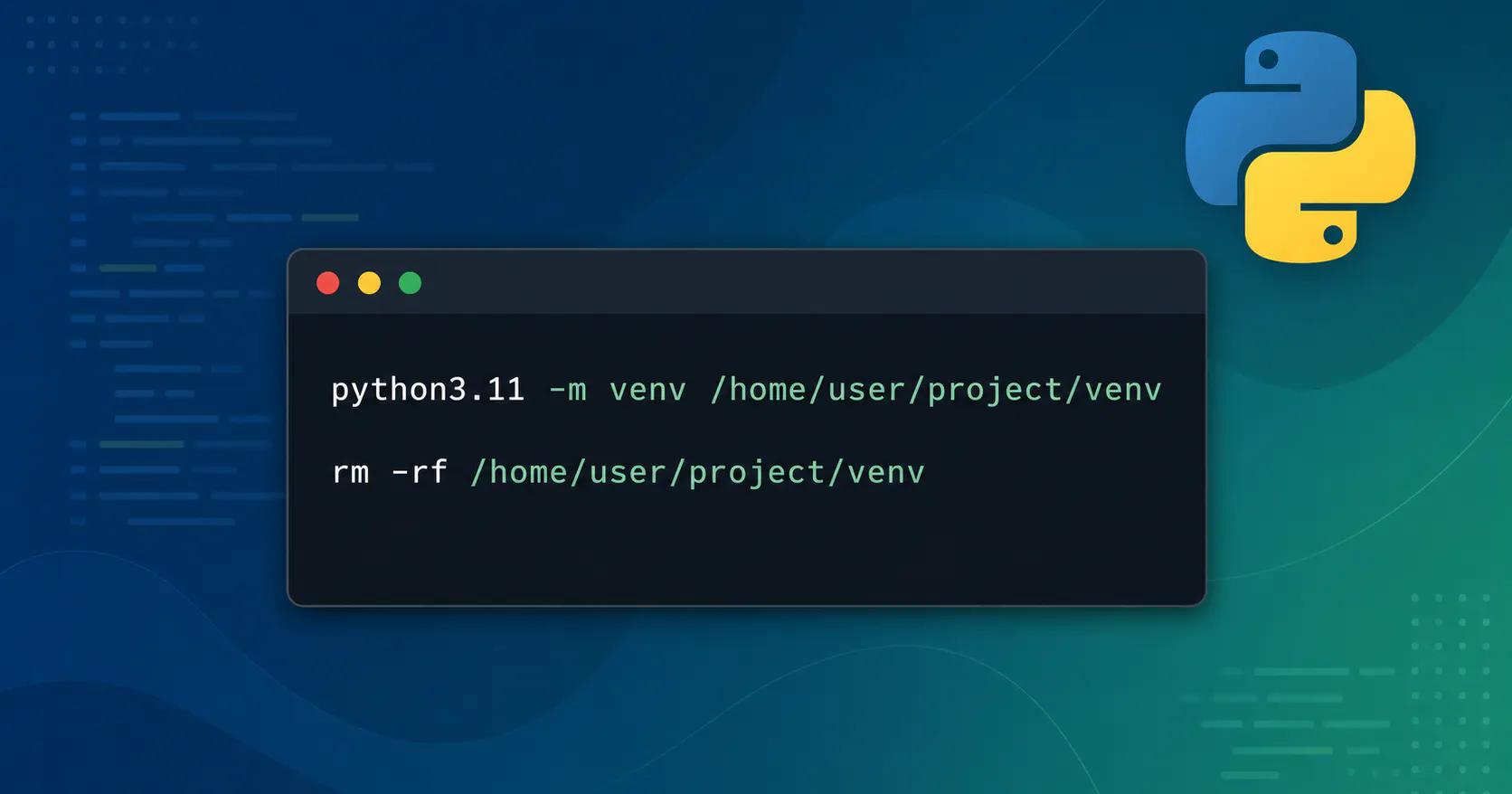
Debugging a Broken Python Virtual env: From “It Worked Yesterday” to Clean Recovery
Recently one of my Python projects went from “works fine” to “completely broken”.

Wiring Environment‑Aware Mobile Builds with Expo, EAS, and GitHub Actions
This post shows how I turned a stock Expo app into an environment‑aware mobile project by wiring APP_ENV through EAS build profiles, app.config.ts, a runtime apiClient, and GitHub Actions for linting and manual builds.